Meet Neon Leap LT.
A little character. A whole lot of glow. A smiling frog, bold neon color, and the information you choose—right on your wrist.
Preparing for Google Play · Planned US price $1.99 · No purchase link available yet
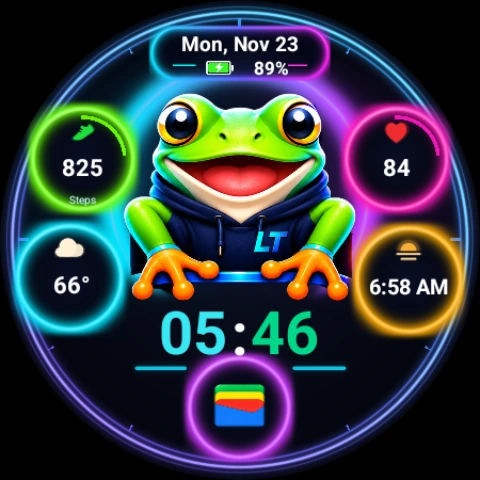
Choose your glow.
From electric blue to vivid purple, green and warm neon tones, swap the bezel independently of your clock colors. Every image below is a real, unmodified capture from the watch.
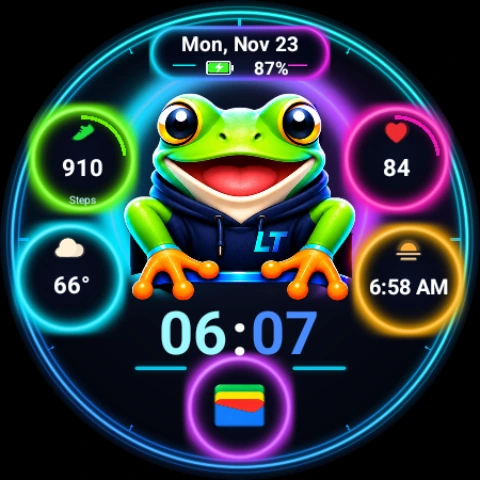
Bezel 01
Theme 1 of 6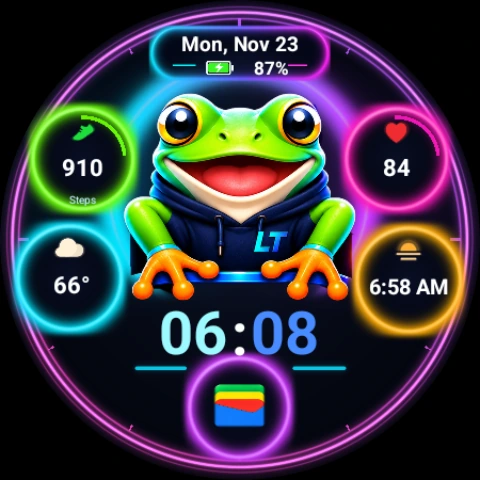
Bezel 02
Theme 2 of 6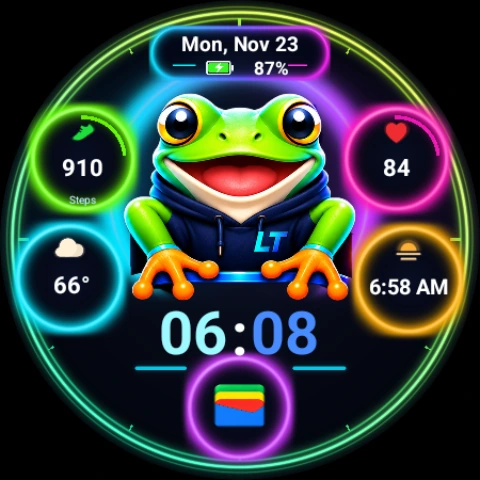
Bezel 03
Theme 3 of 6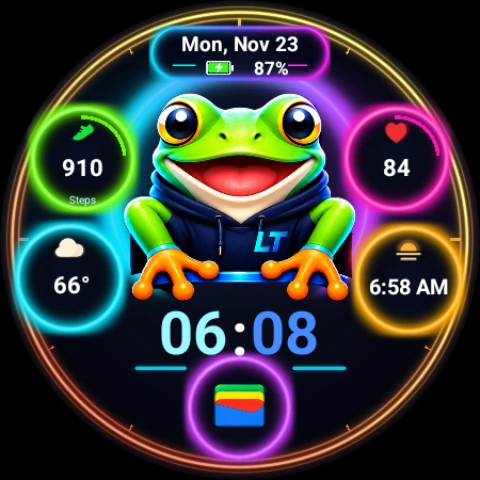
Bezel 04
Theme 4 of 6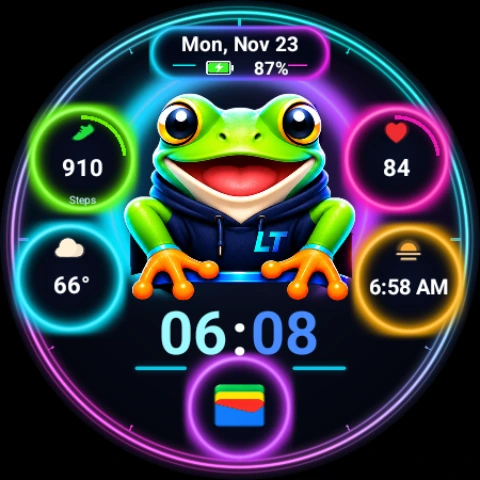
Bezel 05
Theme 5 of 6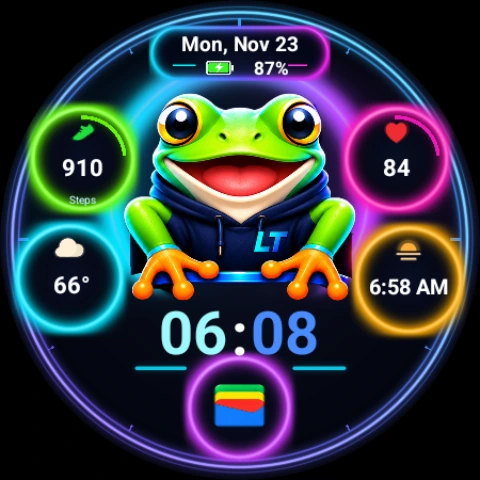
Bezel 06
Theme 6 of 6Make time your color.
Eight distinct digital-clock palettes give the time its own character. These are shown with a consistent bezel so you can compare the colors directly.
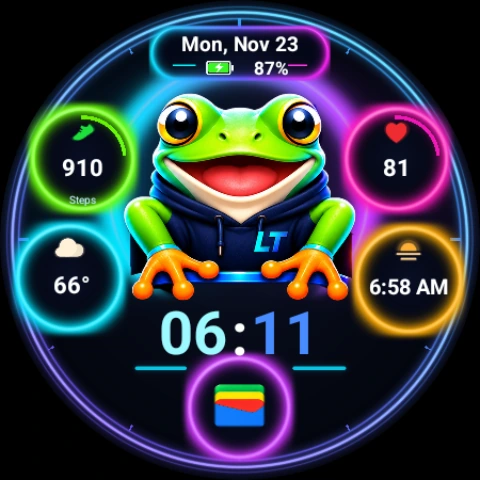
Clock palette 01
Palette 1 of 8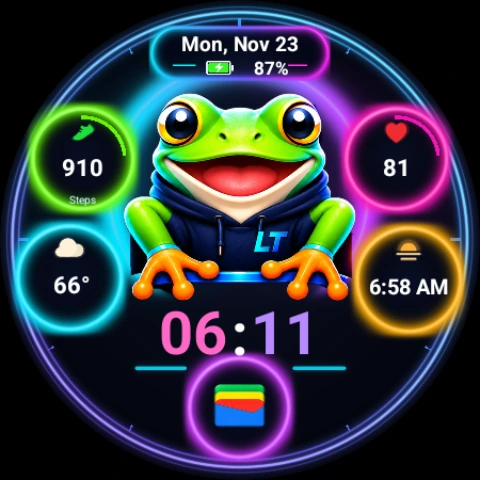
Clock palette 02
Palette 2 of 8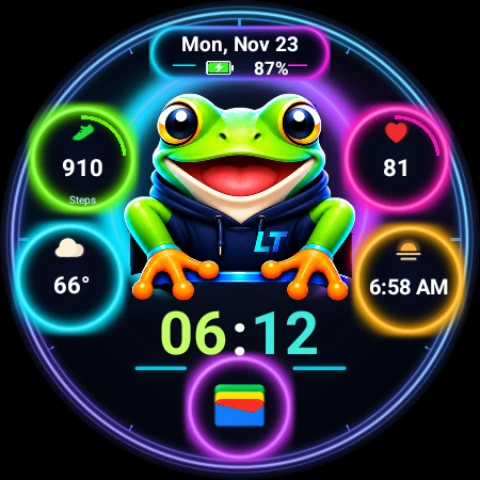
Clock palette 03
Palette 3 of 8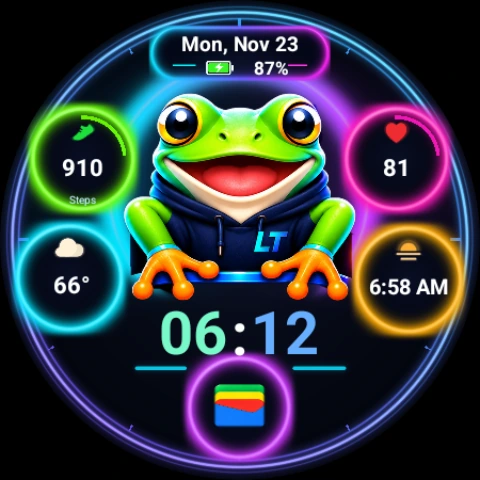
Clock palette 04
Palette 4 of 8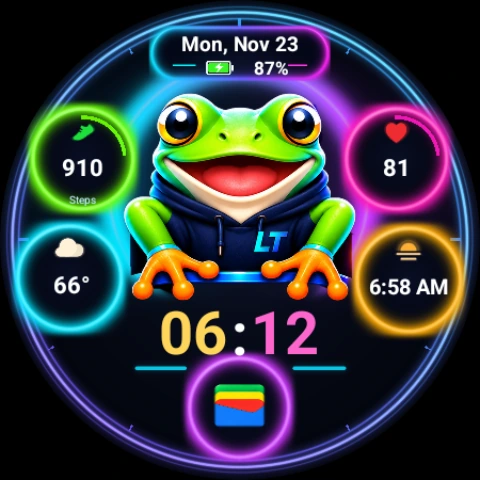
Clock palette 05
Palette 5 of 8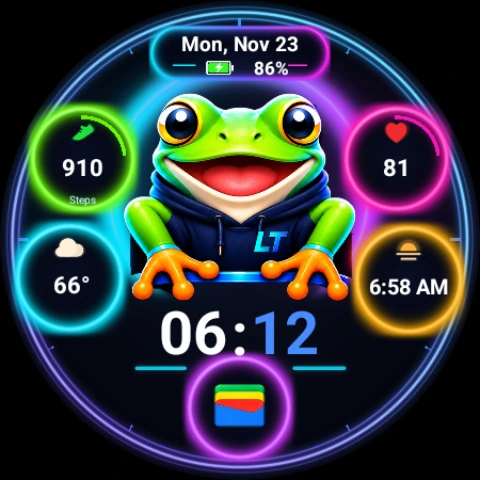
Clock palette 06
Palette 6 of 8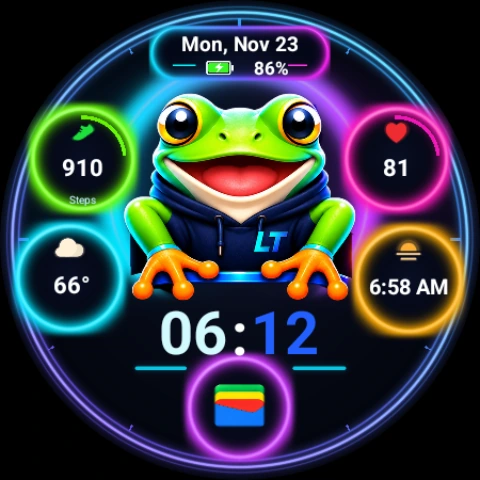
Clock palette 07
Palette 7 of 8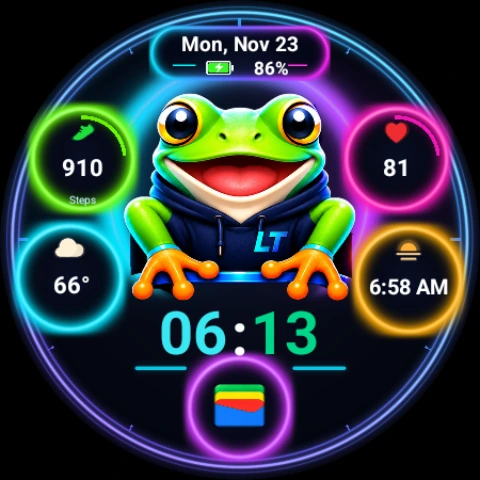
Clock palette 08
Palette 8 of 8Five places for what matters.
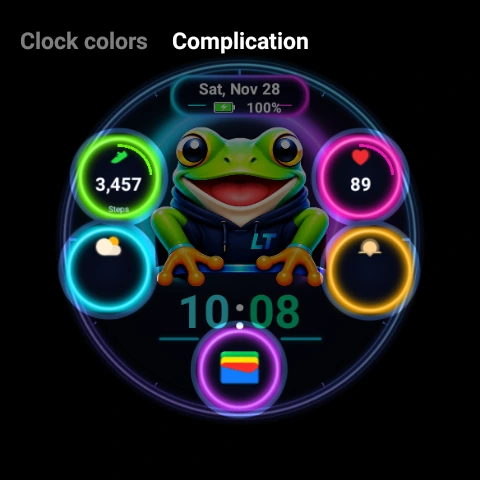
Choose supported Wear OS complication providers for five independent circular positions. Mix useful information—such as steps, heart rate, weather, battery, or sunrise and sunset—according to your watch and installed providers.
Provider-supplied icons, availability, refresh timing and tap behavior depend on your device and selected apps. Compatible shortcuts, including Google Wallet, may be available when assigned through Wear OS.
The image shows the actual native on-watch Complications customization editor; the five highlighted positions are configurable.
Simple when the screen rests.
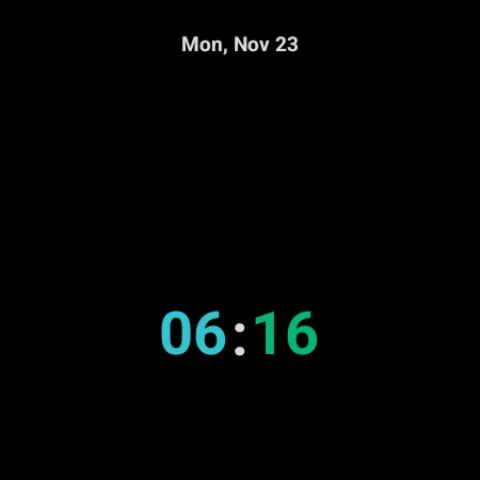
A stripped-back always-on view preserves the essentials, showing the date and time against a dark background rather than keeping the bright decorative elements illuminated.
Always-on behavior depends on your watch's system settings and hardware; the watch face does not override platform power management.
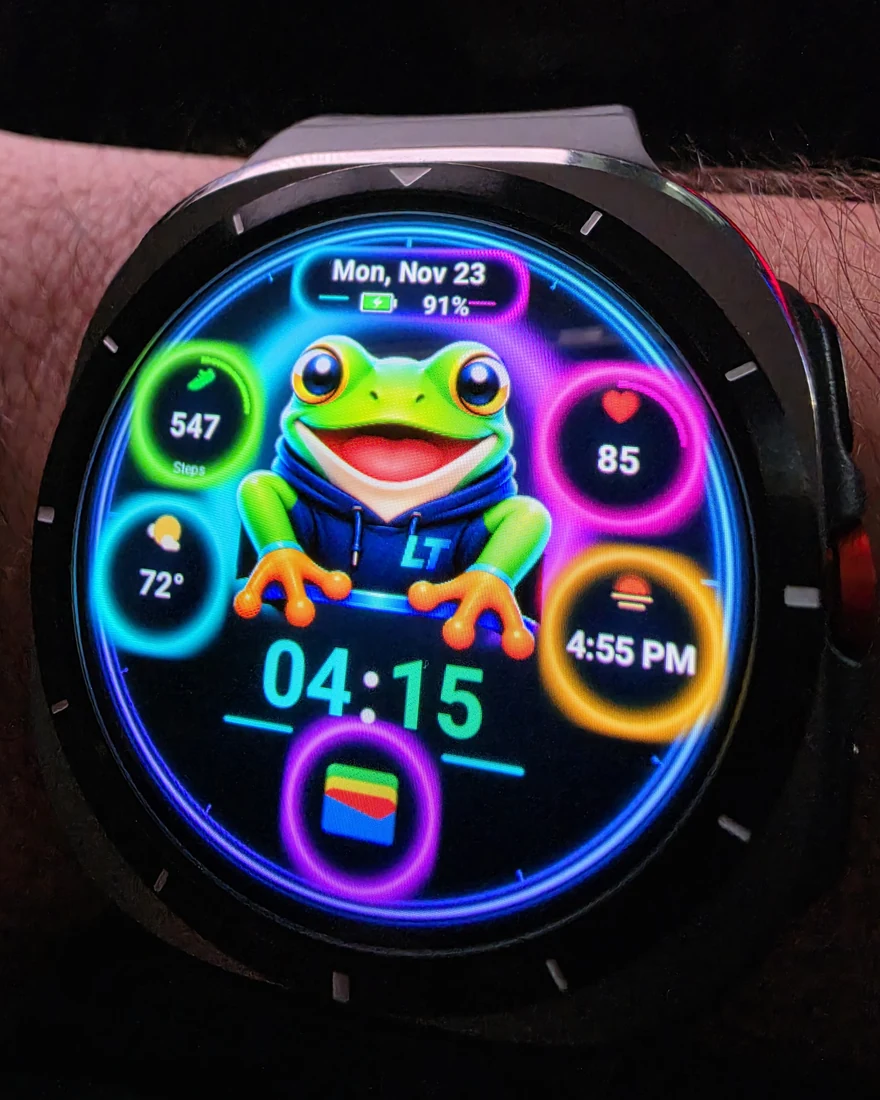
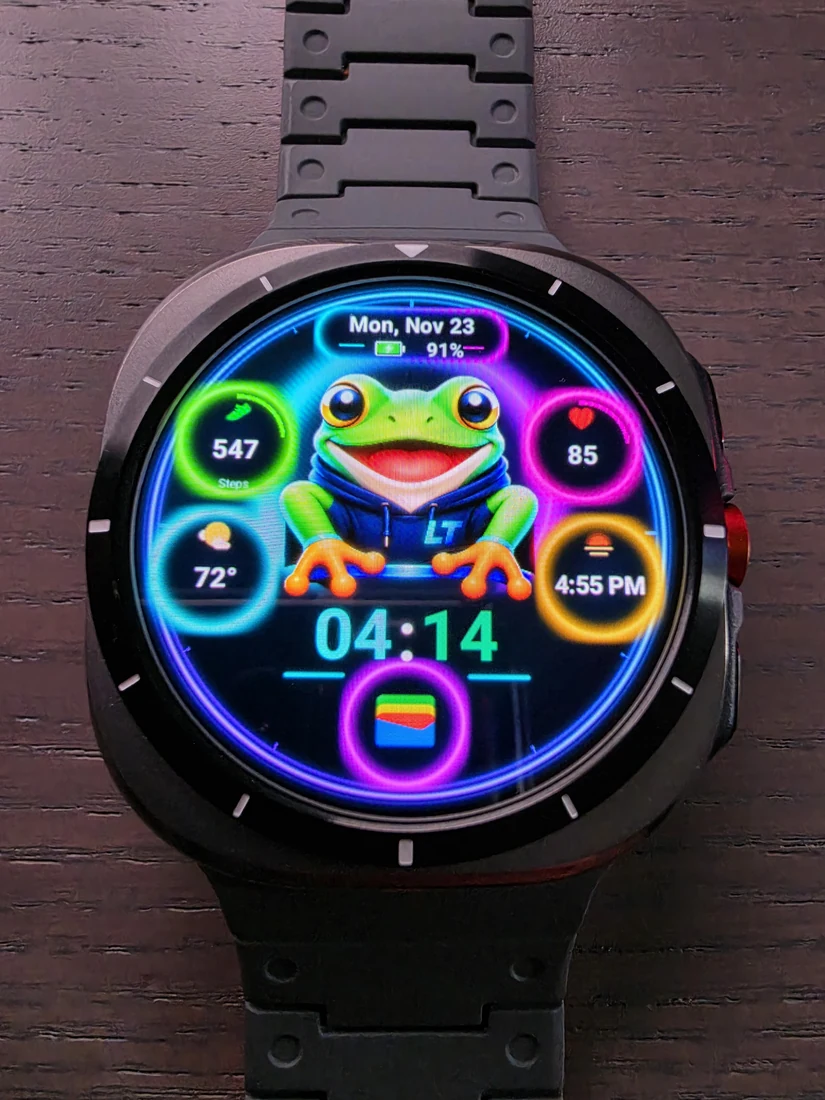
Real style. Real watch.
The photos below were taken of Neon Leap LT running on a Samsung Galaxy Watch Ultra. Lighting, brightness, watch bands and selected complication data can affect appearance.
Built for the way you wear it.
Independent customization
Change the neon bezel and two-tone clock palette separately in the native Wear OS watch-face editor.
No extra setup app
A standalone Watch Face Format (WFF2) face. No separate Neon Leap LT Setup app is needed.
Your chosen providers
Complication data comes from the watch system and compatible applications you choose, not a LeapThread account.
Neon Leap LT.
Planned one-time purchase · Wear OS 6 (Android API 36) or newer · Provider features may vary by watch, region and installed applications.